
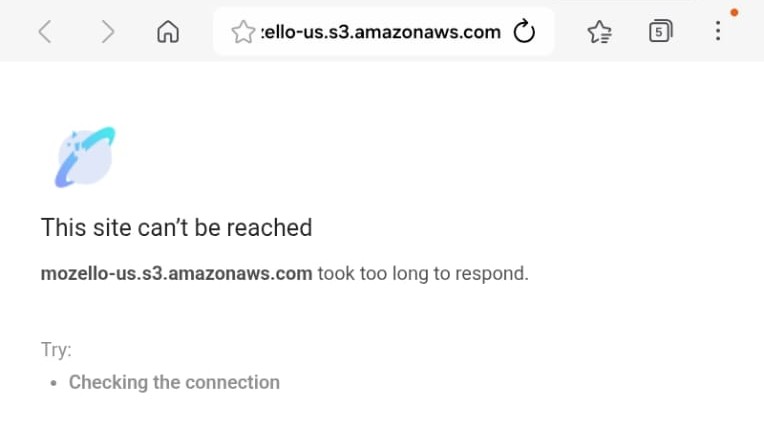
Your download didn't start?
If you saw a screen like this while downloading an ebook, it's almost always one of these four fixes — try them in order.
-
Refresh the page
Reload the download page. In most cases the file link was just slow to respond, and the download restarts on its own once you refresh.
Try this first -
Check your connection, then try again
This error is usually caused by a weak or unstable internet connection. Wait until your signal is stable — or switch to a stronger Wi-Fi network — and download again.
Quick fix -
Turn on a VPN and retry
If steps 1 and 2 don't help, your network or region may be blocking the file host. Turn on a VPN, then go back and start the download again.
If steps 1–2 don't work -
Forward your receipt email to us
Still stuck? Find the confirmation email for this purchase — check your inbox, Purchases or Spam folder — and forward it to us. We'll send your ebook directly.
Last resort